$85.98
$171.95
50% OFF! Hot items selling fast—Grab them before they're gone!
 Unconditional Satisfaction GuaranteeNo Shipping Fees Above 302 Months to Decide. Returns Simplified.
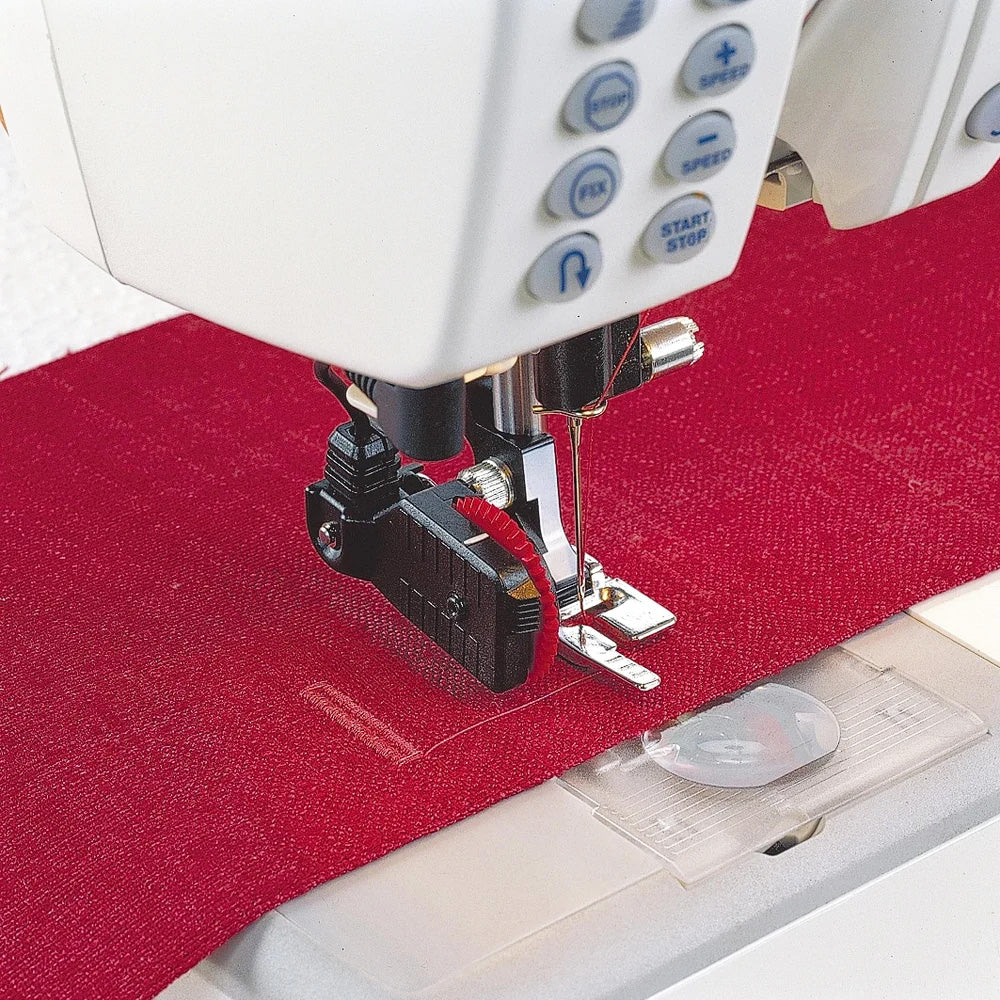
The Sensor One-Step Buttonhole Foot automatically measures the length of each buttonhole and stitches it to the exact size entered into the machine. The center mark provides a precise 9/16″ (15 mm) buttoning edge, ensuring a perfect fit for every button. As it sews, the foot continuously measures to maintain consistent buttonhole sizing every time. You can adjust the button size in 2 mm increments, giving you complete control over the finished look.
How to Use:
The Sensor One-Step Buttonhole Foot makes it easy to create professional, uniform buttonholes with precision and ease.Guaranteed to fit Husqvarna Viking sewing machine models:
Designer Epic, Designer Epic 980Q, Designer Ruby 90